Access & Verification of Certificate
How to Access Your Certificate
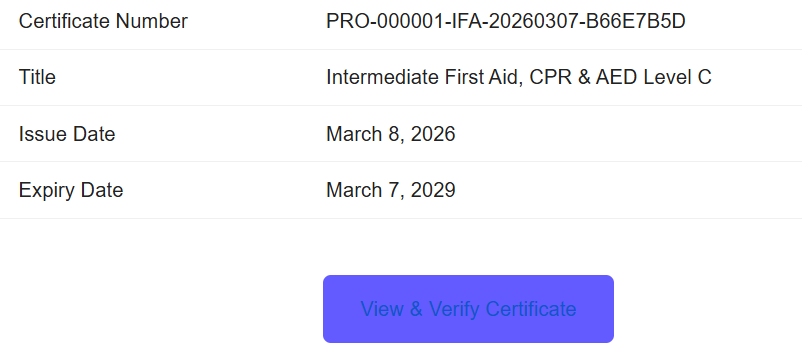
Once you successfully complete your training, you will receive an email containing your certificate number and your level of training.
Step 1:
- Copy your certificate number from the email.
- Scroll to the bottom of the message and click “View & Verify Certificate.”
Step 2:
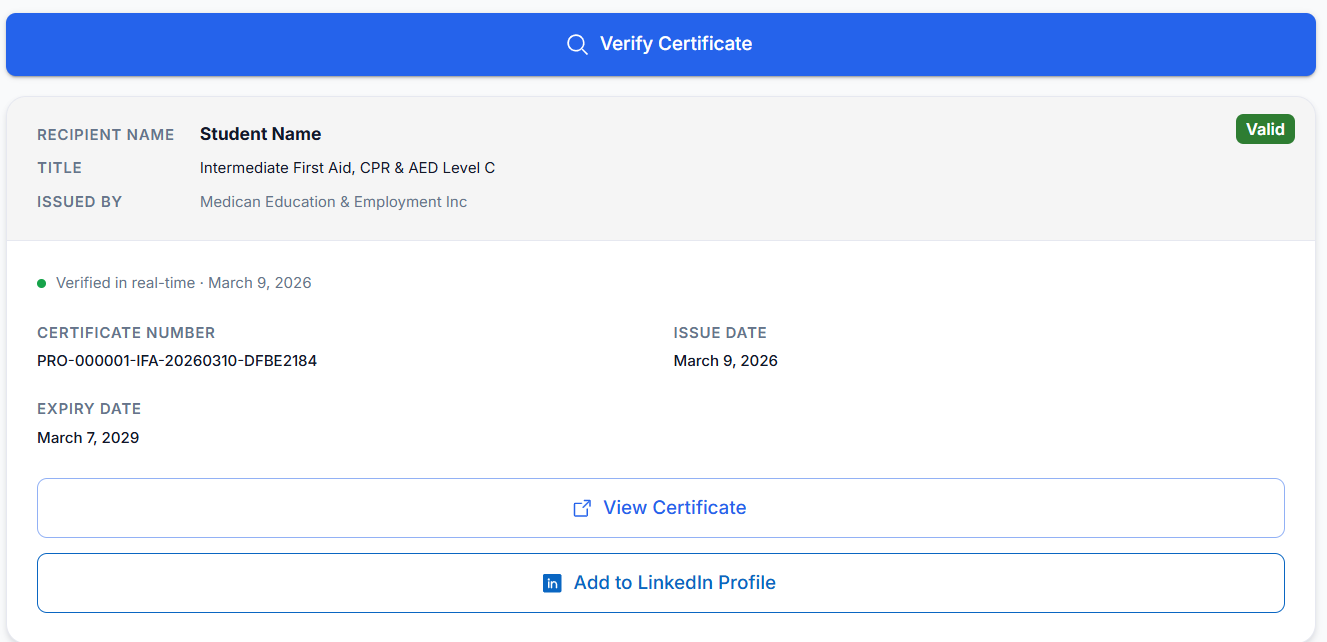
- You will be taken to the Certificate webpage.
- Paste your certificate number into the first field and select “Verify Certificate.”
Step 3:
- After view, download your certificate